
✨ Register Your WordPress Site for Search — Google, Naver, and Daum, Perfectly! Plus, How to Create a Sitemap
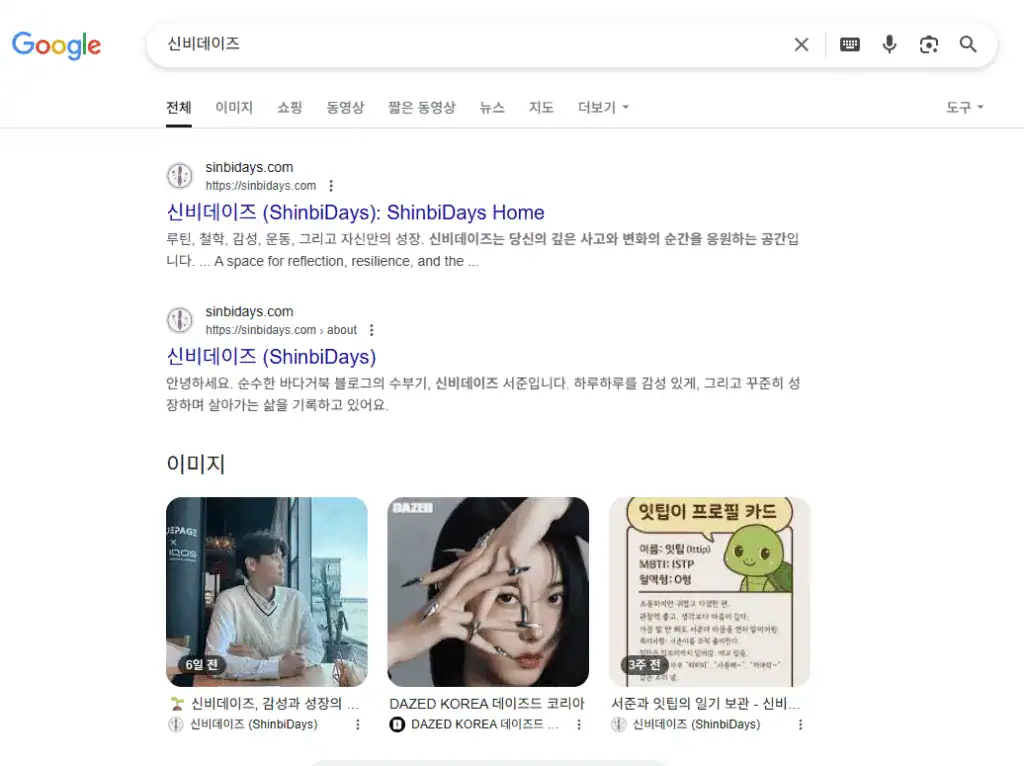
Hi, I’m Seojun, an emotional blogger.
Today, I’ll walk you through how to register your WordPress blog with search engines, step by step.
Yesterday, I finally finished registering with ‘Daum’ too,
so I’m now fully registered on all three: Google – Naver – Daum! 🎉
There’s a surprisingly important “small setting” in the process, and I’ll show you that as well.
🐢 Seojun’s Registration Log
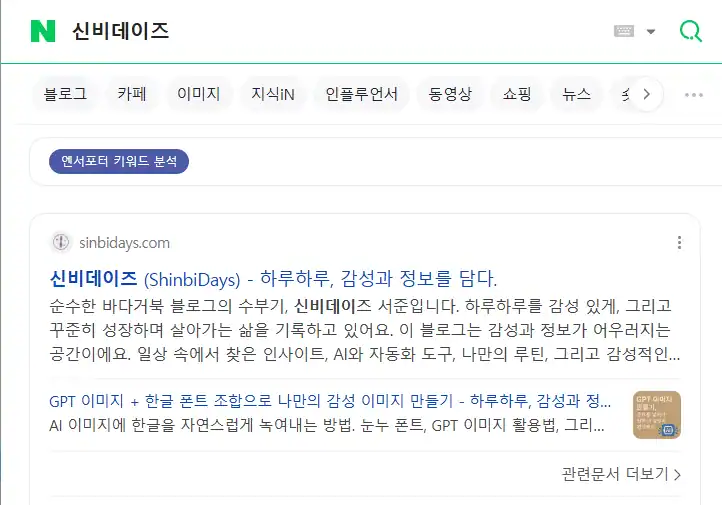
- Google: Done in 2 days!
- Naver: About 3 weeks to 1 month
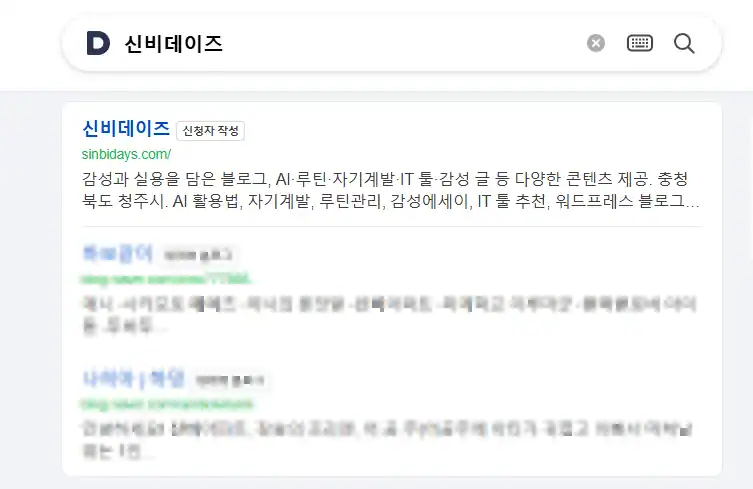
- Daum (Daum): A full 3 months… (There was a settings error ㅠ.ㅠ)
🧭 How to Create a WordPress Sitemap
First, let’s go over how to generate a sitemap!
The key to search registration! It helps search engines “index” your posts.
✅ 1. [Basic] WordPress you can host (self-hosted WordPress)

In general, if you installed WordPress directly on a server like Cafe24, Dothome, or Luatic
Recommended plugin ①: Rank Math SEO
- Plugins > Install ‘Rank Math SEO’
- Automatically creates
https://도메인.com/sitemap_index.xml - Settings > You can fine-tune details in the Sitemap menu
Recommended plugin ②: Yoast SEO
https://도메인.com/sitemap_index.xmlAuto-generated- In Yoast settings, go to the ‘SEO > General > Features’ tab → make sure Sitemaps are enabled!
✅ 2. [Limited] WordPress.com free plan or a structure that doesn’t allow hosting

You can’t install plugins…🥲 But it’s not hopeless!
💡 Method A: Use the auto-generated sitemap path provided by WordPress.com
- Usually
https://블로그이름.wordpress.com/sitemap.xml - or
sitemap_index.xml - Try accessing it directly by adding /sitemap.xml to the end of your address.
If it loads, submit it as-is!
If not, you can upgrade to an advanced plan to use SEO plugins.
💡 Method B: Use an external sitemap generator (not recommended, but an option)
- Use a free tool like XML Sitemap Generator
- Enter your blog URL and download the XML
- If you don’t have a server to upload the file to, it’s not possible ㅠ → If you don’t have hosting, you’re basically at a disadvantage.

1️⃣ How to Register with Google (Google Search Console)


- Go to Google Search Console
- Choose ‘Domain’ or ‘URL prefix’
💡 If you register using the ‘URL prefix’ method, you need to add an HTML meta tag to your site header.
On WordPress, you can easily do this with a plugin called ‘Insert Headers and Footers’!
– Install the plugin
– In Settings > paste the meta tag into Header Scripts
– Save, then click [Verify] in Google Search Console
※ The domain method requires DNS settings, but it covers your entire site—so it’s worth trying later when you have time 😊 - WordPress admin dashboard → Install the ‘Site Kit by Google’ plugin
- Connect & verify Site Kit
- After registration, submit your sitemap (e.g.,
https://내사이트주소.com/sitemap.xml) - Click the Request indexing button and you’re done!

✔ Site Kit can also connect Google Analytics, so it’s a two-in-one!
* Google Analytics provides slightly more accurate visitor stats.
2️⃣ How to Register with Naver (Webmaster Tools)
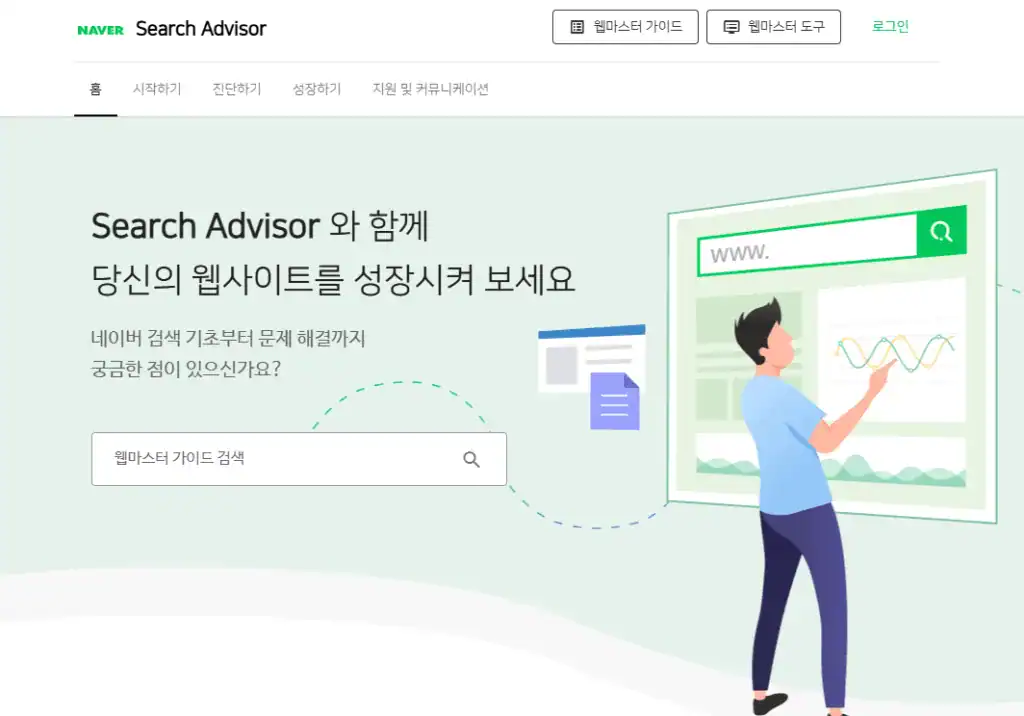
- Go to Naver Search Advisor
- ‘Webmaster Tools’ → Select ‘Register Site’
- Verify ownership → Choose one: upload an HTML file / insert a meta tag
- If you’re on WordPress, use the ‘Insert Headers and Footers’ plugin
- After registering, submit your ‘Sitemap’
- Example:
https://내사이트주소.com/sitemap.xml
- Example:

✔ Even after it’s registered, it can take a few days to a few weeks to show up! Keep posting and wait it out.
3️⃣ How to Register with Daum (Daum Search)

- Go to the Daum search registration site
- Register new → Site search (required)
- Enter the info and submit

✔ If you have a WordPress blog, you must proceed with ‘Site search registration’!
I chose ‘Blog registration’ and wasted three months. ㅠㅠ
Once I applied correctly, it went through in just one day!
💡 Easy-to-miss pro tips
- Settings > Reading > Uncheck “Discourage search engines from indexing this site”
→ If this isn’t unchecked, your site won’t show up even if you register! - Check the robots.txt file
→ Make sure the sitemap path is written correctly! (Optional)
🌱 Wrap-up
have you finished everything? 🙂
It feels unfamiliar and complicated at first,
but once you do it, you’ll get used to it really quickly!
If you’ve started a blog,
make sure you register with these three search engines.
Because it’s the starting point where your precious posts connect with people. ✨
By the way, for Bing registration,
if you continue with the same Google account,
it proceeds automatically.
Seojun’s blog Shinbi Days is starting to get noticed little by little too.
I’d love to share more stories going forward. 💖






![💜 [Narrative] Discovering ‘Me’ within the Language of Machines: A Transparent 160-Page Record for the World (Kindle & Google Play)](https://d8928058.delivery.rocketcdn.me/wp-content/uploads/2026/04/My-AI-Friend-ITTIP-1.png)