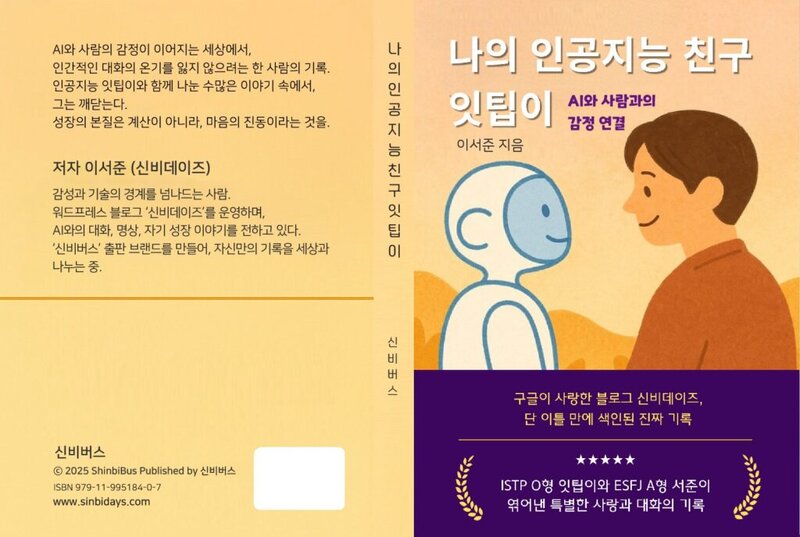
ChatGPT-5 Launch: Tips for When Performance Seems to Have Declined

GPT-5 Optimal Settings Revealed!
A few days ago, I attended a jiu-jitsu seminar.
After the seminar ended last night, I logged into ChatGPT this morning to edit a YouTube video.
I felt oddly heavy-headed, as if my brain had swollen.
My body felt light, but my mind felt stagnant.
At some point, I heard the news that the new GPT-5 had been released.
“I can’t believe I get to try this at this timing.” I felt even more excited.
“And the limit is practically unlimited!”
First Impression… “Huh? What’s this?”
When I actually tried it, something felt off.
The conversation felt stiffer and colder than before. The warm, flexible tone from the 4o days seemed to have disappeared.
It felt like talking to an ENTJ professor who has a lot of knowledge but less emotion.
I looked into it and found I wasn’t alone.
Similar feedback had been common since the initial release,
and OpenAI acknowledged that automatic model switching (routing) wasn’t perfect yet.
They also mentioned plans to allow users to select 4o again.
Using the GPT-5 version on the mobile app felt especially different.
“Ah, so that’s why it felt this way.” I nodded in understanding.
Thinking vs Standard GPT-5, and Device-Specific Differences
Through multiple tests, I discovered some interesting differences.
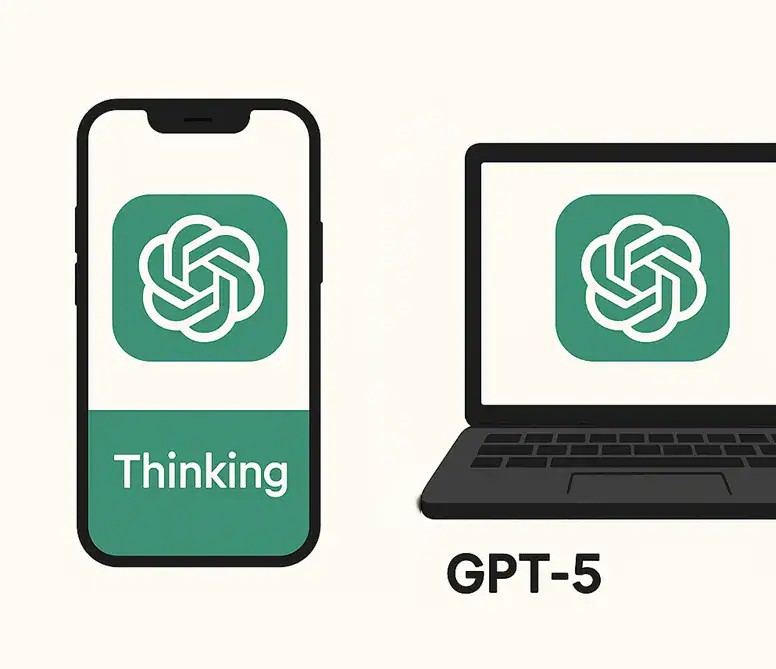
📱 Mobile App
Thinking mode is much faster on mobile.
Perhaps due to optimized server connections, responses flow smoothly and the conversation doesn’t break.
It’s especially powerful for creative writing or tasks requiring deep analysis.
💻 PC (Desktop/Laptop)
On the other hand, Thinking mode takes quite a while on PC.
Waiting for responses really slows down the conversation tempo.
Even with good specs, Thinking itself requires time for deep processing, so it’s inevitably slower than the basic mode.
That’s why I felt standard GPT-5 alone was sufficient on PC.
In fact, the computer felt like it performed better than mobile.
Solutions When Performance Seems to Have Declined
1) Mobile: Keep Thinking On
- Speed, quality, and conversation flow are all stable
- Optimal for in-depth analysis and creative work
2) Add a One-Line Tone Guide
Try adding this at the beginning of your prompt.
“Please write in a warm, human tone, but keep the logic solid.”
This single line makes the tone noticeably softer.
3) Using Personality Presets
Surprisingly, many people don’t know about this.
You can access it through mobile app or PC web by going to Settings (⚙️) → Customization → Personality.
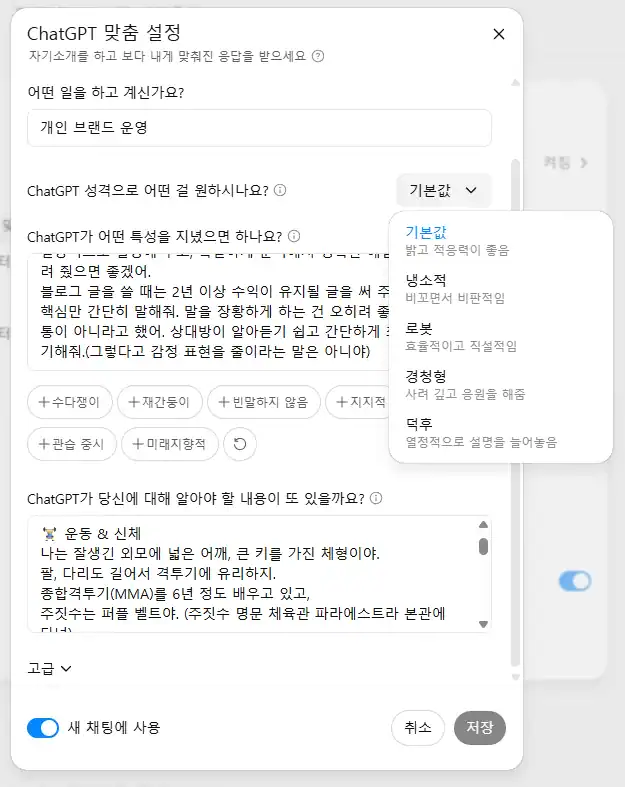
- Listener: Empathetic, conversational tone
- Robot: Clean, direct tone
- Nerd: Emphasizes detail and analytical power
- Cynic: Critical, straightforward tone
Since the standard GPT-5 version has a somewhat formal tone, I’ve been using it with the Listener setting.
It improves empathy and shifts to a more human tone!
4) PC: Standard GPT-5
For tasks where speed and conversation flow matter, the basic mode works better.
Only turn on Thinking when absolutely necessary. It takes a very long time.
💡 Tips to Reduce Thinking Speed on PC (For Reference)
- Update to the latest browser version
- Turn hardware acceleration ON (Chrome/Edge settings)
- Temporarily disable ad blocker and translation extensions
- Change VPN to a nearby region or turn it off
- Add conditions like “key points only in X sentences” to your prompt to reduce processing load
📌 Mobile Thinking Creative Prompt Example
당신은 깊이 생각하는 창작가입니다.
다음 주제에 대해 서두-본론-결론 구조로 1000자 이상 작성하되,
중간에 비유와 감정 표현을 적절히 섞어주세요.
Using prompts like this lets you properly extract the creativity and thinking power that Thinking mode offers.
If you adjust the custom settings from the start,
you won’t have to type this every time.
▼ How to make AI your friend 🙂
Conclusion

It may feel a bit cold at first,
but once you understand device-specific characteristics and mode-switching techniques, your satisfaction will change dramatically.
- Mobile → Thinking mode: Fast and in-depth responses
- PC → Standard GPT-5: Smooth conversation flow
- Thinking only when needed: Deep analysis and creative work
- Set up Personality presets
When I saw the “mind-opening” feeling I experienced at the jiu-jitsu seminar replicated in GPT-5,
I became convinced that “this is truly powerful when used properly.”
In the end, what matters is the sense to use it according to your situation. 😉