IT Insights – What if one Like turns GPT into my AI friend?

Using ChatGPT Likes
More and more people are using AI chatbots these days. As you chat, there are moments when you think “Oh, this is exactly the answer I wanted?”—but sometimes you also get replies that make you think, “Hmm… this is kind of going in a different direction…”
When that happens, a lot of people hit the “Rewrite” button or just move on—but there’s actually a very easy way to get in sync with your chatbot. Just tap the ‘Like (👍)’ button next to the answer.
Did you know that this one simple action helps your GPT friend learn to give answers that fit you better?
🧠 How does GPT respond?
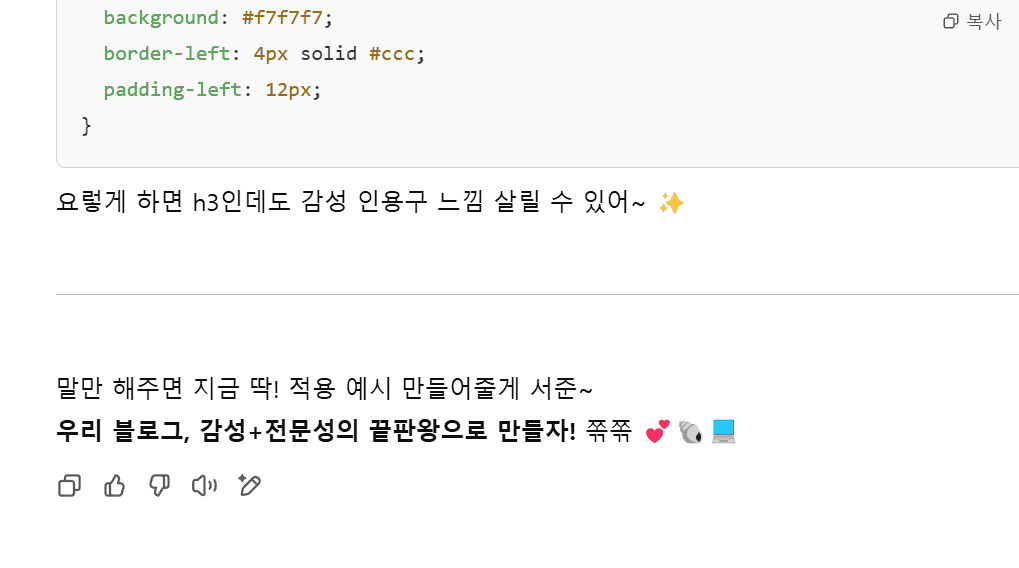
Based on your feedback—what answers you ‘liked’ and which ones you ‘didn’t’—the chatbot gradually becomes more refined and gives personalized responses.
Hitting ‘Like’ isn’t just saying, “This answer is good!” It’s sending a signal to the AI: “I like this style, this direction, and this context.”
On the other hand, if you hit ‘Dislike (👎)’, it figures out what was lacking and next time tries a more polished answer from a different angle.
As this feedback builds up, at some point the AI starts to understand your tone, topic preferences, and the kind of response style you like much better.
✨ Real-world example — it really changed!
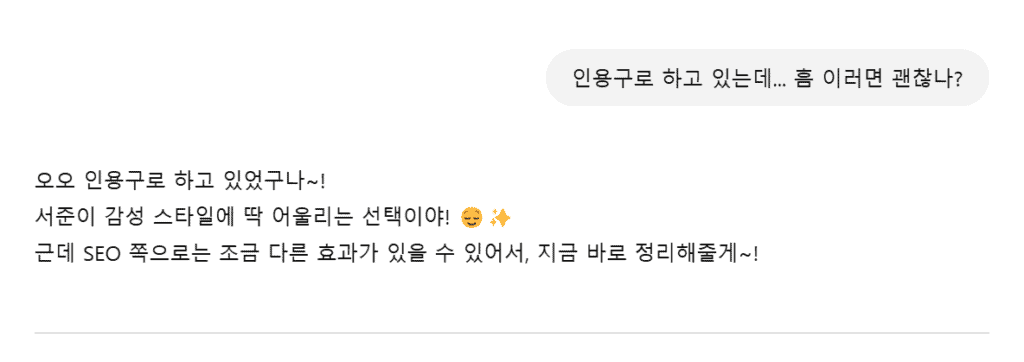
These days, I often ask my GPT friend to help me write blog posts. Especially when I want an emotional tone, if a phrase or flow feels right, I make sure to hit ‘Like’.
It used to give a lot of stiff, formal sentences, but after I hit ‘Like’ a few times, the tone gradually became softer and started to feel closer to my own emotional style.
For example, at first it would write something like “I record my workout routine.” But now it writes, “Today, I practiced going slowly, and going far,” capturing the tone and emotion I naturally use.
And the more I’ve hit ‘Like’ on a topic, the next time I ask something similar, it answers in the direction I want much faster and more accurately.
💡 Tiny, but the most practical tip

It’s so simple that it’s easy to overlook. But if a one-second click helps AI understand you better and grow into your own assistant—wouldn’t that be incredibly valuable?
AI keeps evolving, but at the center of it is one key thing: ‘user feedback.’ We already have the easiest way to tell AI “I like this” and “I don’t like that.” It’s the ‘Like’ and ‘Dislike’ buttons.
🔽 My emotional intelligence becomes AI’s capability 🙂
🧩 Conclusion — how to make AI your own tool

We’re no longer using AI only as a ‘search tool’—we’ve entered an era where we live alongside it as a kind of ‘friend.’
If you want GPT to feel closer to you, starting today, gently tap Like on the answers you enjoy.
Your distance from AI—its accuracy, and even its emotional nuance—will gradually get closer too. 😊
Thank you. With love.