
✨ WordPress search registration - Google, Naver, and more, including sitemap creation
Hi, I'm Seo Joon, an emotional blogger.
Today we're going to show you how to create a blog with WordPress using the How to register with search enginesin the following order.
Yesterday, I finally got around to signing up for the next
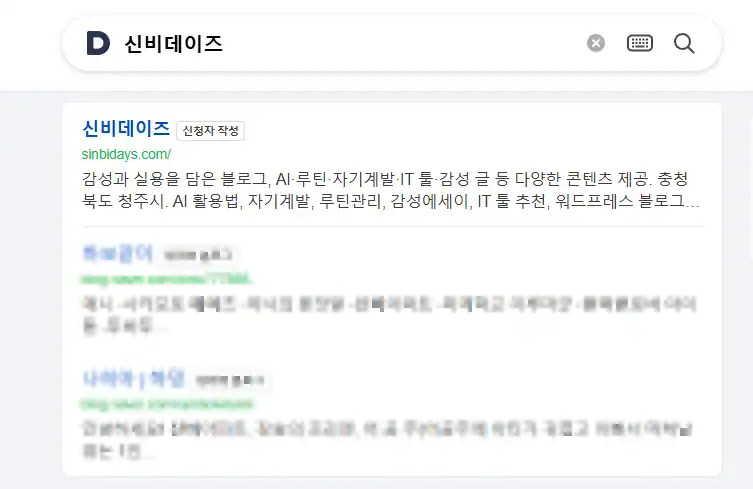
I use Google - Naver - Daum, and I'm signed up for all three! 🎉 .
There's a surprisingly important ‘little setting" in the registration process that we'll walk you through.
🐢 Seo Jun's registration journal
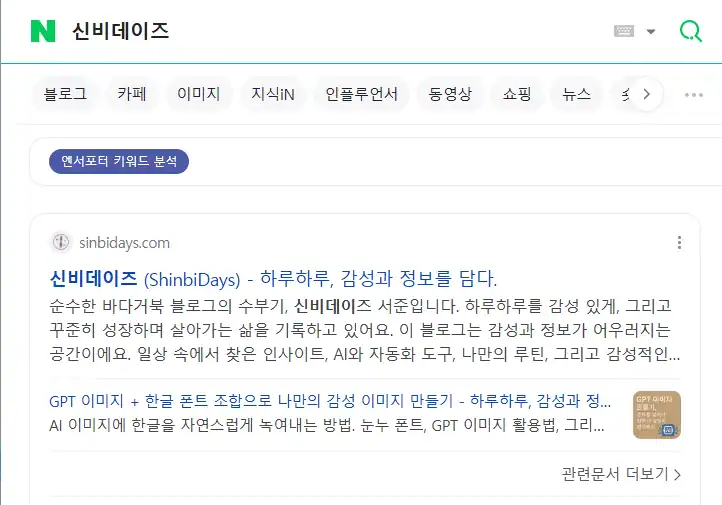
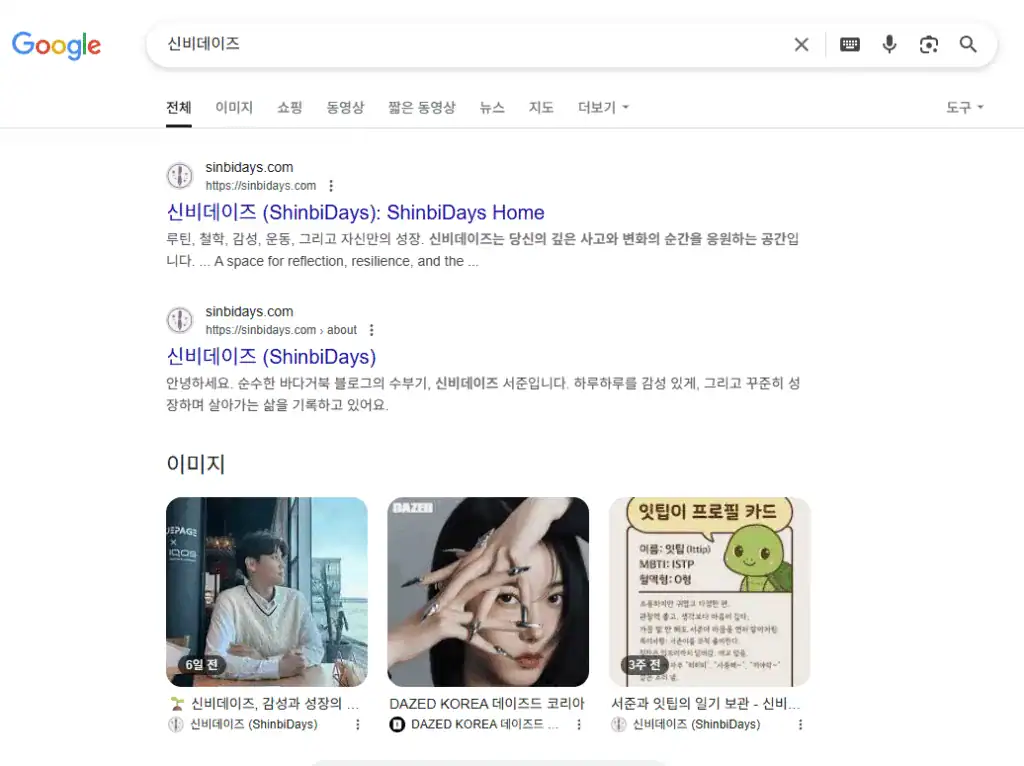
- Google: Done in two days!
- Naver: Complete in about 3 weeks to a month
- Daum: 3 months... (There was a configuration error...)
🧭 How to Create a WordPress Sitemap
Let's start by learning how to create a sitemap!
It helps search engines ‘index" your posts.
✅ 1. [Basic] Hosted WordPress (Installed WordPress)
Typically, if you installed WordPress directly on a server such as Cafe24, DotHome, or Ruatic
Recommended Plugin ①: Rank Math SEO
- Plugins > Install ‘Rank Math SEO’
- Automatically
https://도메인.com/sitemap_index.xmlCreated - Detailed settings available in the Settings > Sitemaps menu
Recommended Plugin #2: Yoast SEO
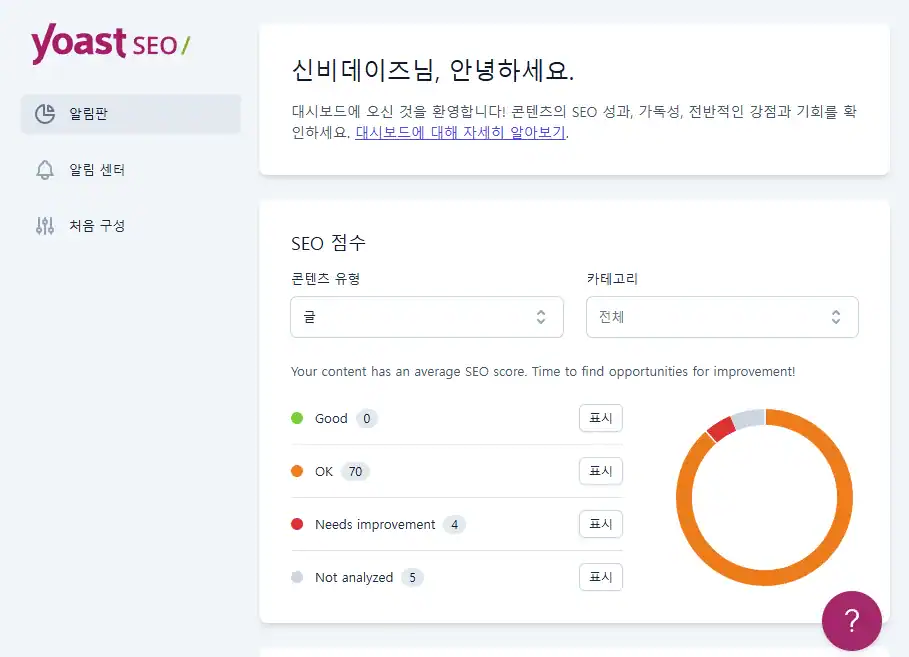
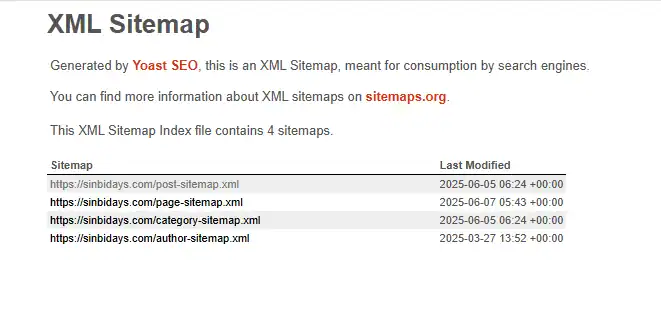
https://도메인.com/sitemap_index.xmlAuto-generated- In your Yoast settings, go to the ‘SEO > General > Features’ tab → Make sure to enable sitemaps!
✅ 2. [Limited] No WordPress.com free plan or hosting structure
Plugin not installed... 🥲 But it's not impossible!
💡 Method A: Use the WordPress.com-provided sitemap auto-generation path
- Normal
https://블로그이름.wordpress.com/sitemap.xml - or
sitemap_index.xml - You can check it out for yourself by appending /sitemap.xml to the end of the address.
If you see it when you connect → Submit it!
If not, the SEO plugin available after upgrading to the Advanced planDo it.
💡 Method B: Use an external sitemap generator (not recommended or alternative)
- XML Sitemap Generator Use free tools like
- Insert your own blog address and download the XML
- If you don't have a server to upload files to Unavailable ㅠ → â If you don't have hosting, you're at a real disadvantage.
1️⃣ How to register with Google (Google Search Console)
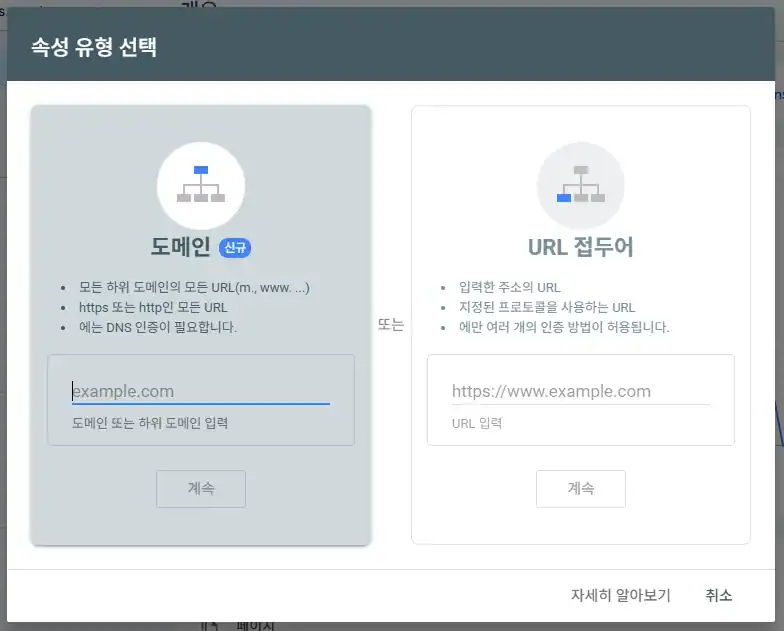
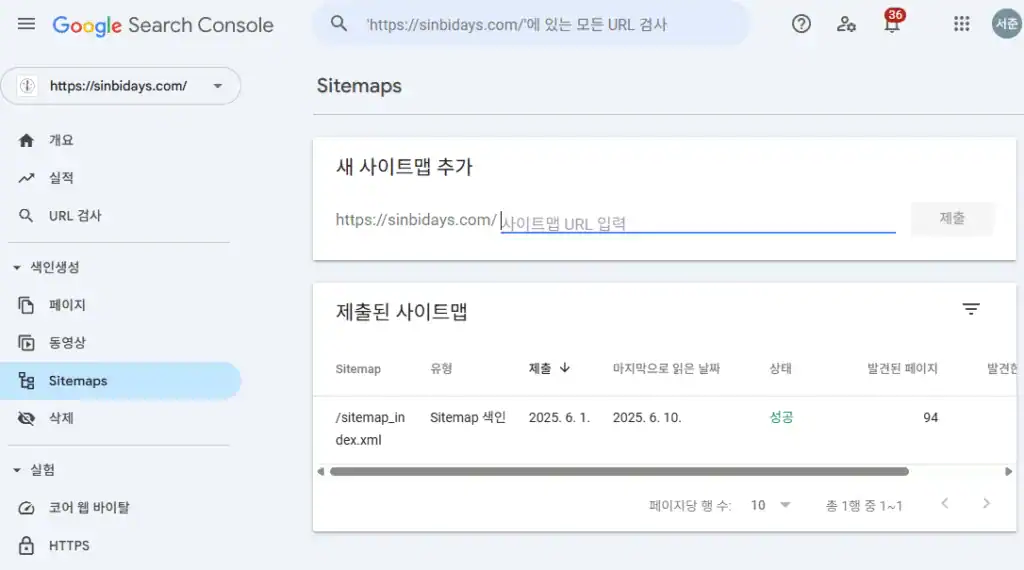
- Google Search Console Connections
- ‘Select ’Register a domain‘ or ’URL prefix'
💡 If you register with the ‘URL prefix’ method, you'll need to include the HTML metatag in your site header.
In WordPress, you can use a plugin called ‘Insert Headers and Footers' to do just that!
- Installing plugins
- Settings menu > Insert metatags into Header Scripts
- After saving, press the [OK] button on the Google Search console
* The domain registration method requires DNS setup, but it covers your entire site, so you can try it later when you're free 😊. - WordPress admin screen → Plugins ‘Site Kit by Google’ Install
- Connect & verify Site Kit
- After registration is complete, Submit your sitemap (Example:
https://내사이트주소.com/sitemap.xml) - Indexing requests button and you're done!
✔ Site Kit is a Google Analyticsso you can kill two birds with one stone!
* Google Analytics shows slightly more accurate visitor statistics.
2️⃣ How to register with Naver (Webmaster Tools)
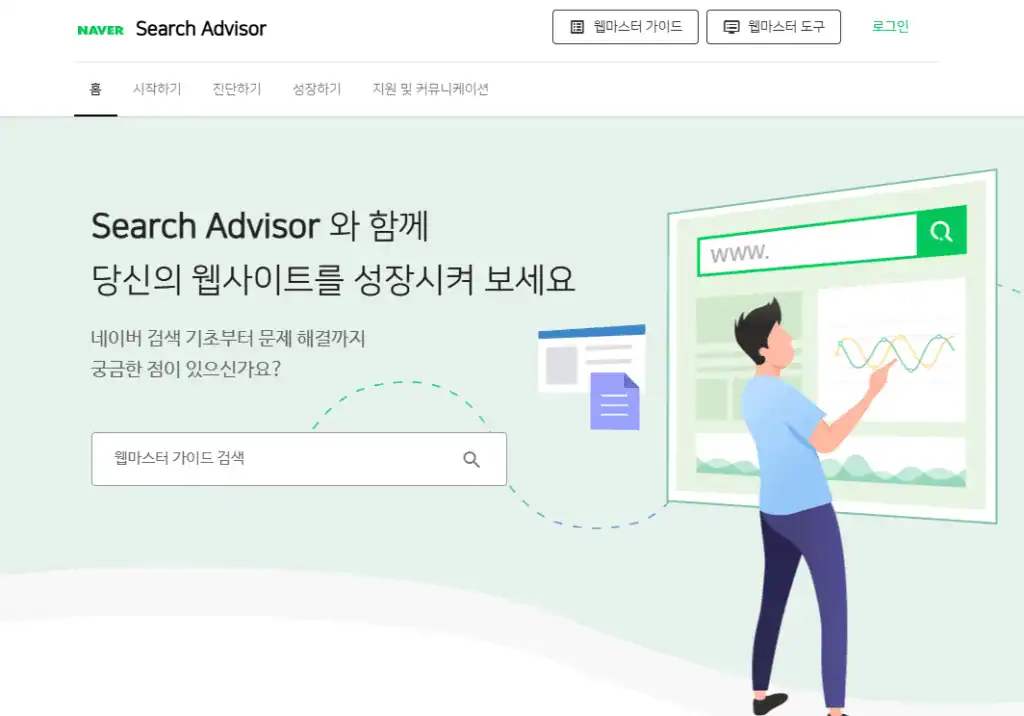
- Naver Search Advisor Connections
- ‘Select ’Webmaster Tools‘ → ’Site Registration
- Confirm ownership → Upload HTML file / Insert metatags1
- In WordPress, the ‘Insert Headers and Footers’ Utilizing plugins
- After registering, submit a ‘sitemap’
- Example:
https://내사이트주소.com/sitemap.xml
- Example:
✔ Even if you're registered, you're exposed Days to weeks It may take a while! Keep posting and wait!
3️⃣ How to register with Daum (Daum Search)
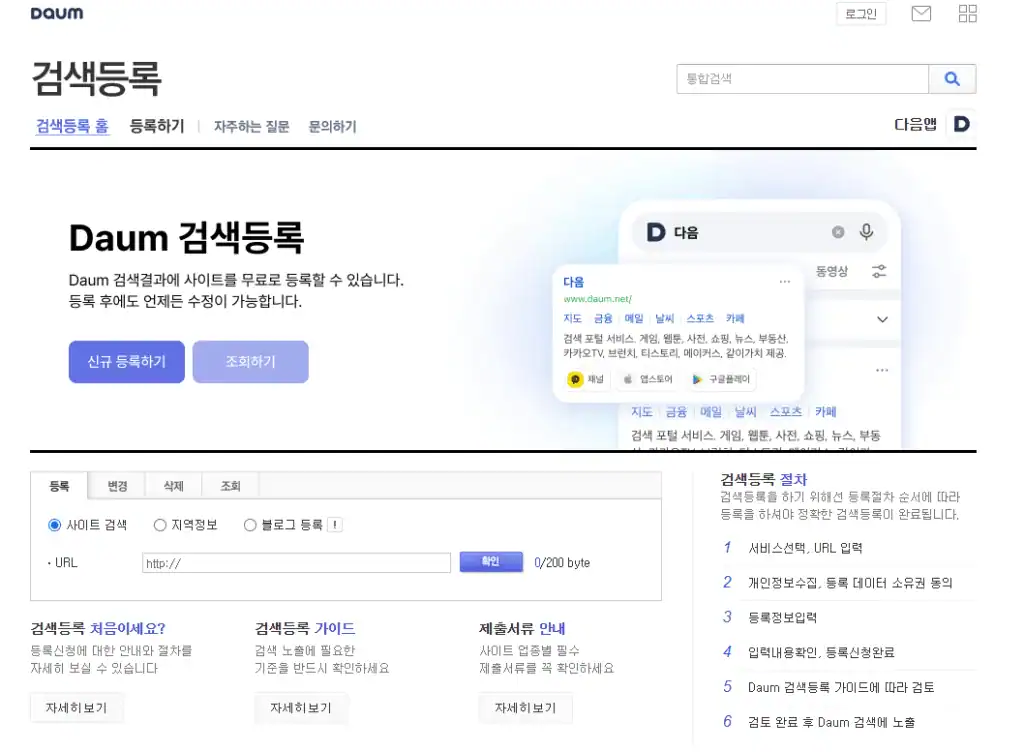
- Next search registration site Connections
- Create a new registration → Search the site (required)
- Enter your information and apply
✔ If you have a WordPress blog, you should definitely proceed to ‘Register for Site Search"!
I use ‘Register a blog’to select the For 3 months What a waste of time.
I made the correct application and it was done in a day!
💡 Tips you might have missed
- Settings > Reading > Disallow search engines from indexing your site
→ Uncheck this box or you won't be able to register! - Verify the robots.txt file
→ Make sure your sitemap path is well written! (optional)
🌱 Wrapping Up
Are you all wrapped up? 🙂 .
It feels foreign and complicated at first,
Once you do it, it's really easy to get the hang of it!
If you've started a blog,
Be sure to register with these three search engines.
My precious posts A starting point for connecting with peoplebecause it's the same as the
For reference, here's how to sign up for Bing,
If you continue to the same Google account
It's automatic!
Seo Jun's Blog Mystery Daysis also starting to get noticed.
I can't wait to talk to you more in the future 💖.






 한국어
한국어  English