
Ad blocker app, a little shield to protect you from harmful ads AdBlock
As we browse the internet, we're bombarded with endless unwanted ads.
Some of them are simply annoying banner ads, while others are tempting and provocative.
Whenever I see something like this, it reminds me of similar experiences I've had in the past.
I've learned that clubs and stimulating cultures may seem glamorous in the moment, but they end up distracting me from myself and my relationships.
When you experience casual relationships, you end up neglecting the ones you really care about, and that's where the Instant gratification can be a distraction in your lifein the first place.
The same goes for ads.
They're eye-catching in the moment, but in the end, they're just little temptations that steal your time and sway your subconscious.
That's why I like to think of ad blockers as more than just technology, The shield that protects my lifefor example.
Why you need an ad blocker app

- Blocking harmful ads: Prevents adult, gambling, and fraudulent ads. (Most important!)
- Regain focus: Fewer distractions, more immersion.
- Enhanced securityPrevent ads that lead to malware or phishing sites.
- Save data & speed up: Browsing will be much faster because you won't be loading ads.
🔽 Benefits of not watching pornography (from experience)
Blocking ads on your PC
On a PC, you usually use the Browser extensionsto install it.
Adblockisn't just for Chrome, you can use it with any Major browsersare all supported.
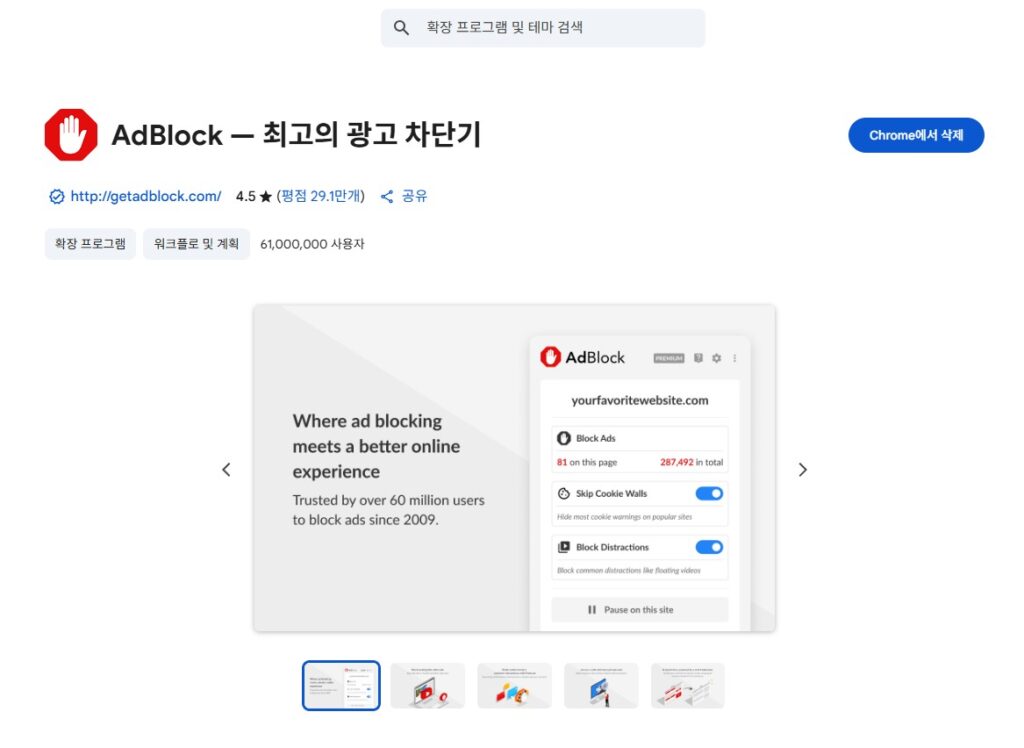
- Chrome Web Store, Edge Add-on Store, Firefox Add-ons → Firefox Add-ons
AdblockSearch - “Just hit the ”Add" button and you're done!
- You can then click the top right icon to toggle “on/off” or set specific site exceptions.
Blocking ads on mobile
Mobile installs as an app.
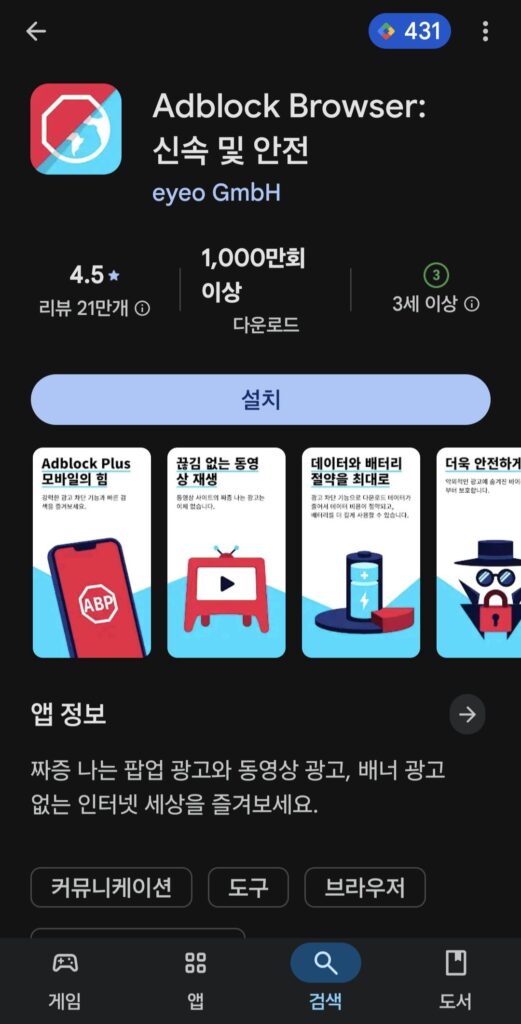
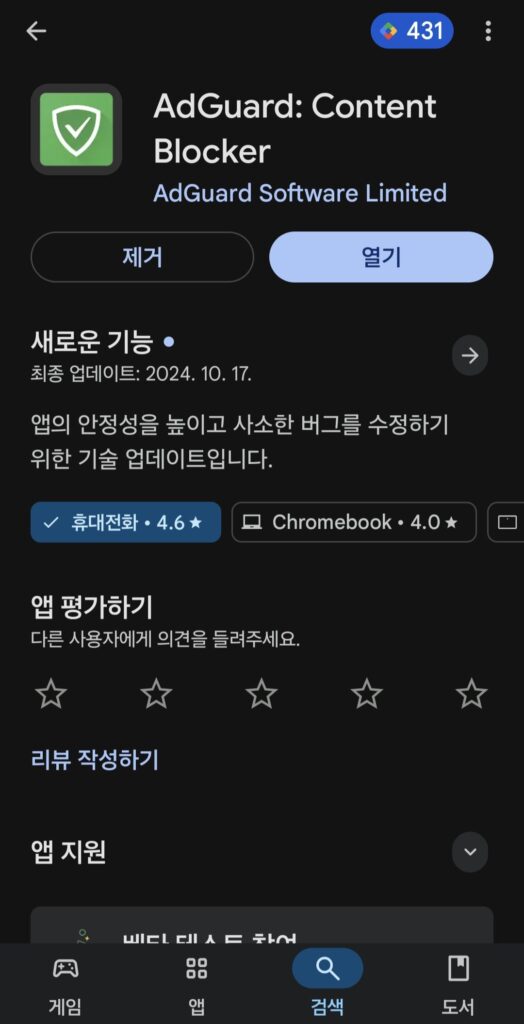
- Adblock Browser: Surf the web in an ad-blocked environment right after installation
- AdGuardApps that filter out full ads by DNS method (turn it on once and it works in the background)
👉 In particular, it blocks almost all website ads, and some YouTube ads.
(But not 100%, and only in the web environment).
YouTube removes adsis not personally illegal, but,
Because the platform is powered by ad revenue,
For channels you support, consider setting an ad exception or going premium.
How to Use (Quick Guide)
- Install from an official store (Google Play, App Store, Chrome Web Store, etc.)
- Run → Check Automatic Ad Blocker
- Make exceptions for specific sites if necessary
(I like to allow my favorite blogs and channels)
Caveats
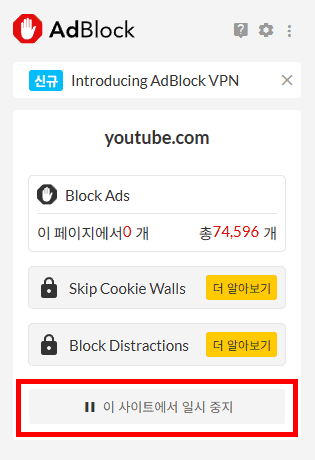
- Some sites may have limited video playback or functionality when blocking ads.
- I recommend allowing ads on sites I want to support because it ties into the creator's revenue structure.
- Only download from official sites or stores.
Wrapping Up: One Shield for My Life
I experienced temptation and pleasure briefly, and eventually realized that it didn't bring me real happiness.
It's the same with relationships, it's the same with the internet.
Ad blocking apps do more than just get rid of annoying ads,
A little shield to protect my time and focuswhich can be.
For those who want to choose long-term fulfillment over instant gratification, the
“I would definitely recommend an ”ad blocker".
Ad blocking apps are a great shield to protect us from harmful ads.
However, if you're running a blog like mine Information and heartwarming writing you needas an exception, we'd appreciate it 😊.




 한국어
한국어  English
If ads bother you, even on my blog, feel free to block them 😊.
Your happiness is more important.