✨The moment even AI was impressed? The surprising secret behind YouTube's subtitle algorithm
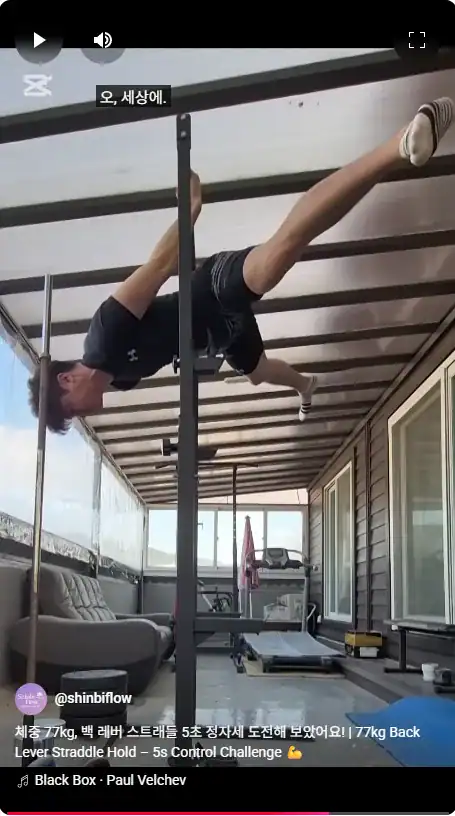
A few days ago, something unexpected happened to my YouTube shorts.
“Oh, my God.”
Seriously.
That sentence popped up as a subtitle.
But what's even more amazing... I've never subtitled anything before!
An exclamation point suddenly floating on the screen.
Did a friend prank me? Did I put it in by mistake?
I had a few thoughts, but it turns out that AI-generated subtitlesEther.
I burst out laughing: “Is the AI surprised by my back lever posture??” 😆
🤖 AI now generates subtitles for you?
These days, video platforms are more than just players.
‘judging, sensing, and expressing themselves.’ AI assistants It's even playing a role.
For places like YouTube, Instagram, and TikTok, you can use the
When I upload a video, the AI automatically subtitles it in the following way:
- Generate speech recognition-based subtitles
- Generate emotional subtitles based on facial expression/motion/mood analysis
For example, when I did an intense movement that kept me in a back lever straddle position,
The AI sees it as a ‘Amazing scene’which I think it recognized as.
As a result, subtitles that no one had put in were automatically inserted into the video.
“Oh, my God.”
🎯 So are AI subtitles accurate?
It's not perfect.
So when it comes to AI subtitles, there are two things you'll want to check out:
- Check for content distortion
- Interjections are cute, but they can sometimes make for bad sentences.
- Avoid unintended misunderstandings
- For example, a sentence that doesn't fit the scene can be confusing to the viewer.
But AI is smarter than you think these days,
Detect emotional expressions and subtitle themand it's amazing.
In a way... maybe they're just more responsive than people who don't express their emotions 🤭.
🛠 What if the subtitles are weird or unwanted?
Don't worry!
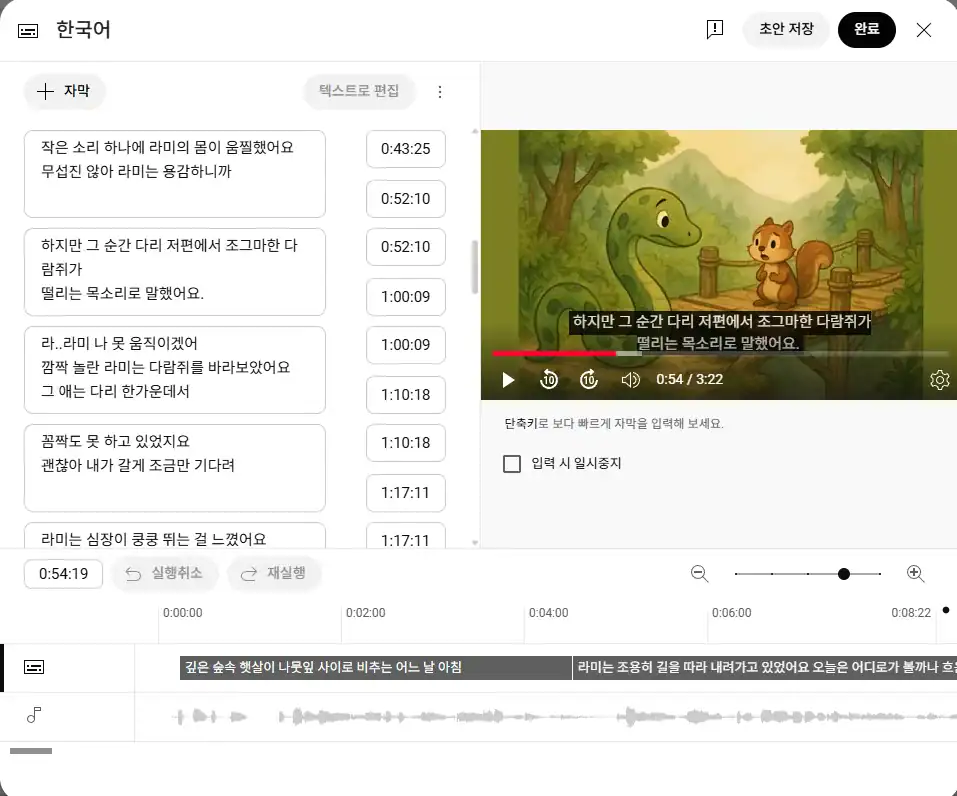
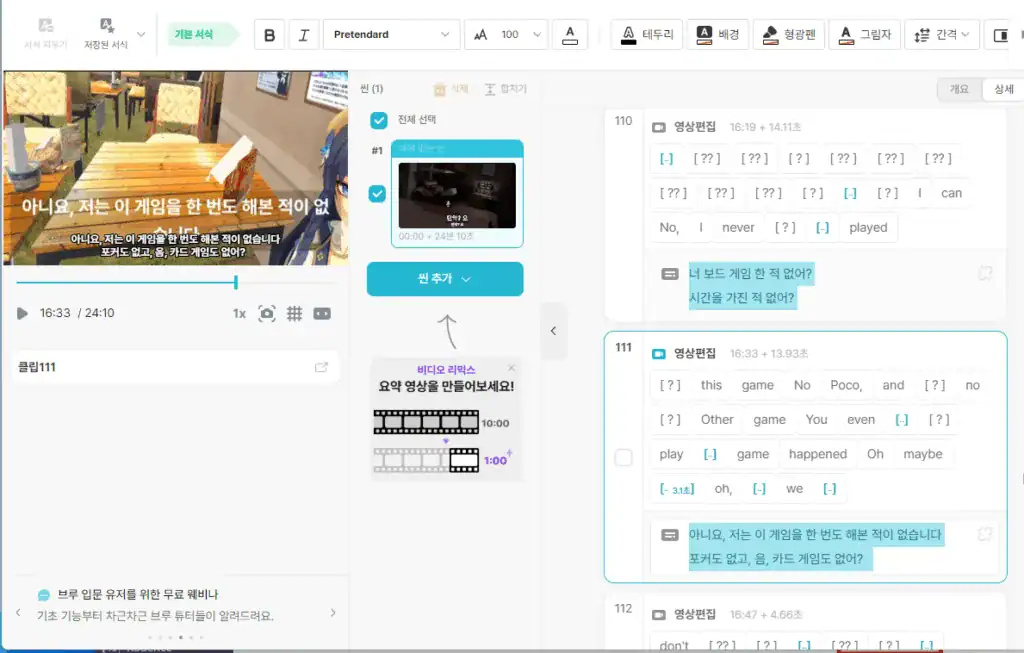
You can adjust unwanted subtitles as shown below:
✔ Turn off subtitles
- YouTube Studio > Subtitles > Auto-generate OFF
(may default to ON)
✔ Upload subtitles directly
.srtUpload files → Only show subtitles you created
✔ Edit subtitles
- Edit directly from the Subtitles tab in Studio after uploading
Tip!
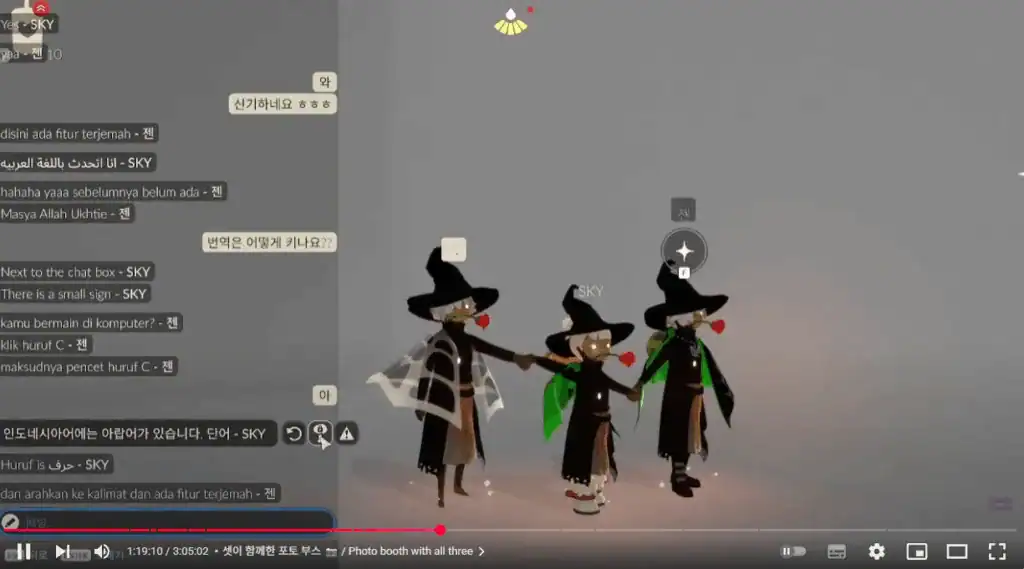
In addition to automatic subtitles, YouTube also offers ‘Auto-translated subtitles’ feature.
For example, if English subtitles are automatically generated
Subtitles translated into other languages are also generated at the same time,
It's also a big plus for creators who want to connect with international audiences.
🌈 The world of subtitles that only I knew about
This one little experience is all it takes
We can feel how ‘human" AI has become.
Subtitles that used to be added by hand.
Now the AI is the first to react, “Oh, this is amazing!”.
Part of me thinks.
Video by video,
The feeling of having a friend who picks up on the emotions and messages we're trying to convey.
So now, even if someone doesn't say it,
“This scene is touching.” “This is amazing.”
and have someone there to speak for you.
That's AI for you 😊.
Wrapping up...
Next time you want to add
“Oh my gosh.” If you see the same subtitle,
It's time to stop laughing it off.
That might be...
It's proof that the AI was touched by your sincerity.

 한국어
한국어  English